
Practise what is difficult to repeat in the field.
Technical procedures, maintenance and hazardous situations become scenarios to practise before facing the real task.

Interactive Learning
Simulators, learning games and interactive journeys to practise procedures, skills and decisions.
Designed around what your people need to be able to do.
Learning by doing, since 2016.Experiences created for







Start with the learner
Learning and development, HSE, operations.
Different needs, one shared goal: preparing people to act.
Technical procedures, maintenance and hazardous situations become scenarios to practise before facing the real task.
Missions, choices and feedback bring content into the experience. People take part, test what they know and can try again.
Components, functions and operating sequences become explorable. For technical training and the people who need to explain complex products.
Training in practice
Procedures and safety · VR
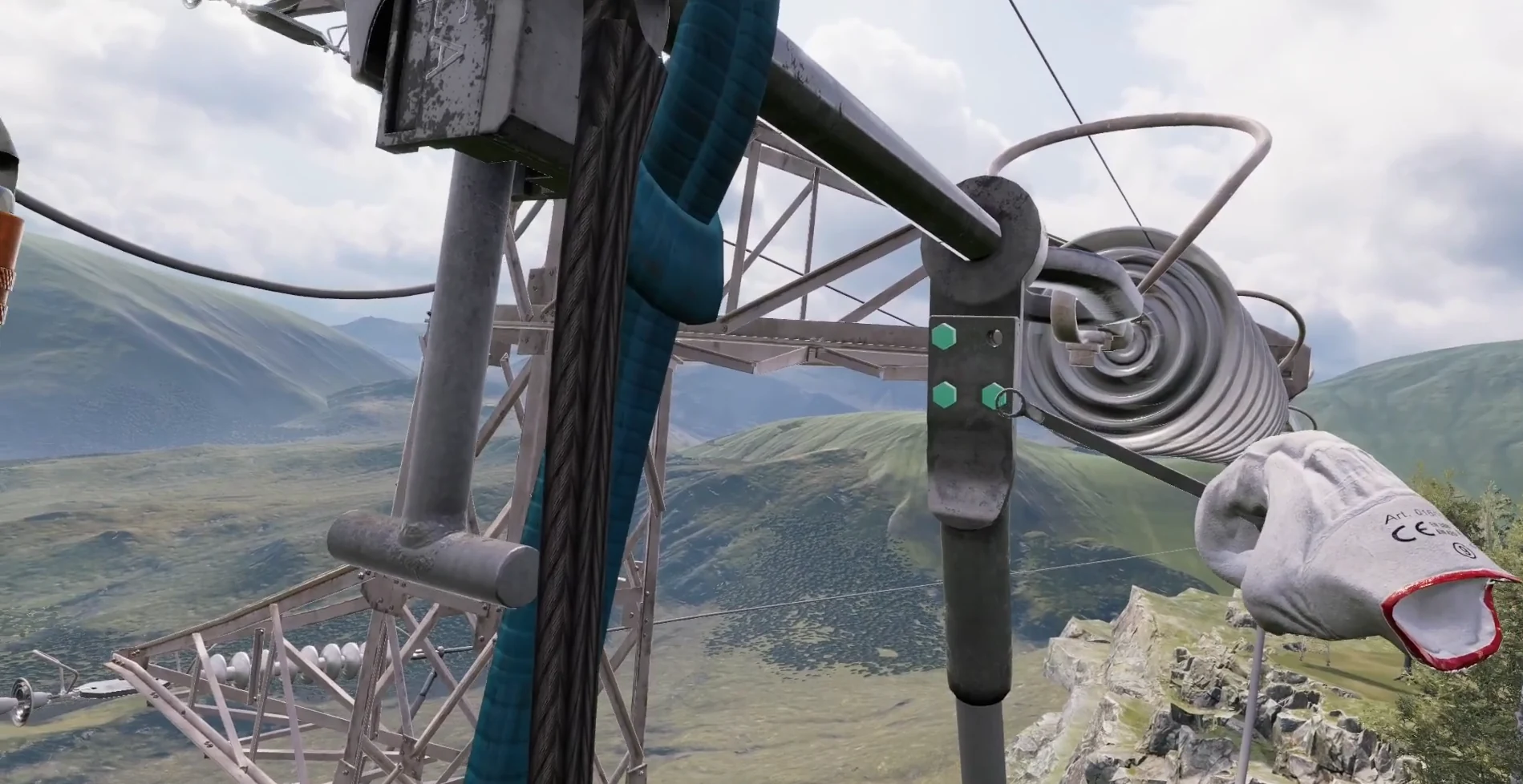
Immersive scenarios and virtual equipment, developed with technical experts to train field teams.
Discover the project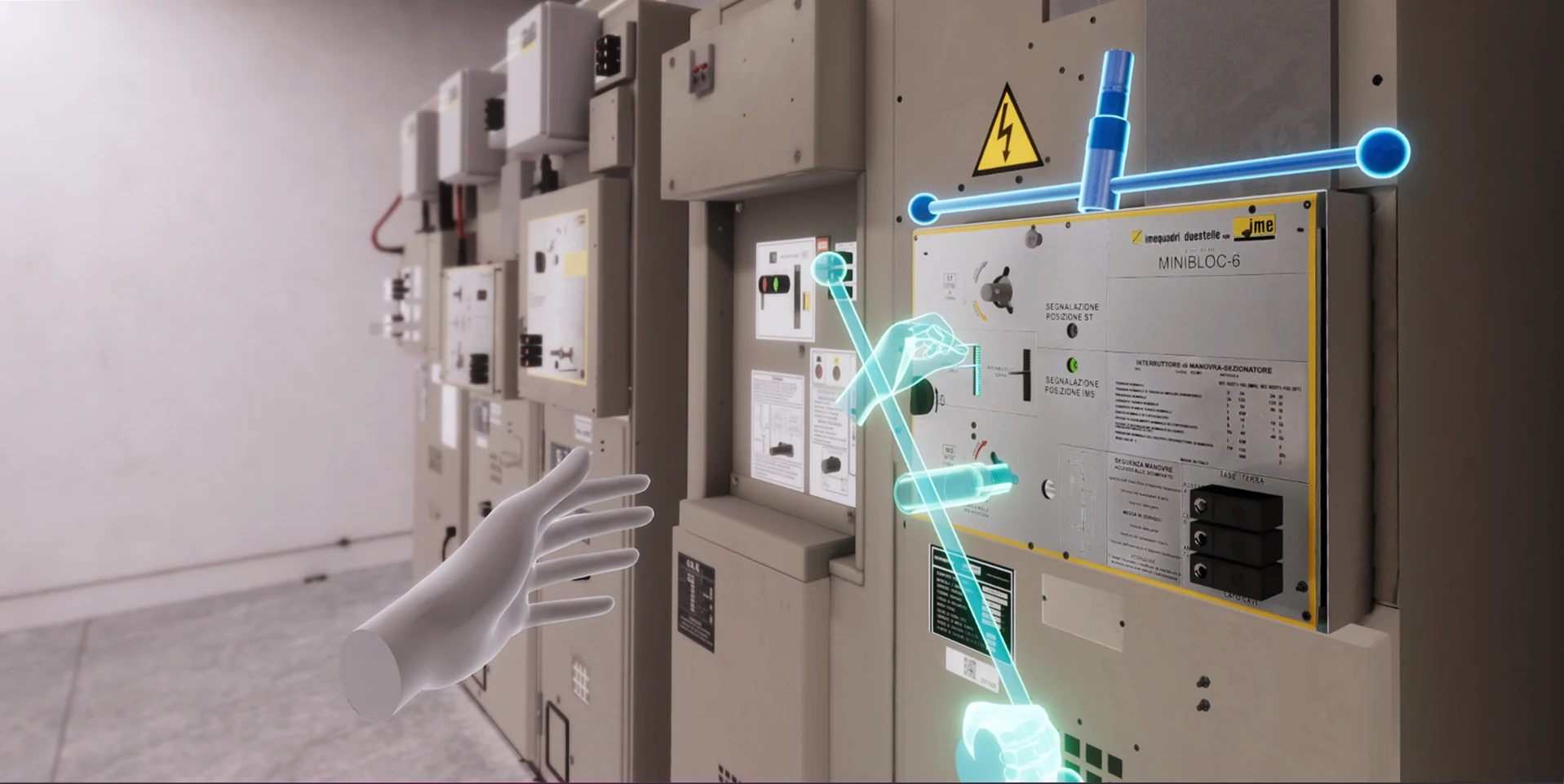
Technical training · VR
Six medium-voltage substation procedures, with guided practice and assessment modes. The training centre is being adopted at Unareti.
Discover the project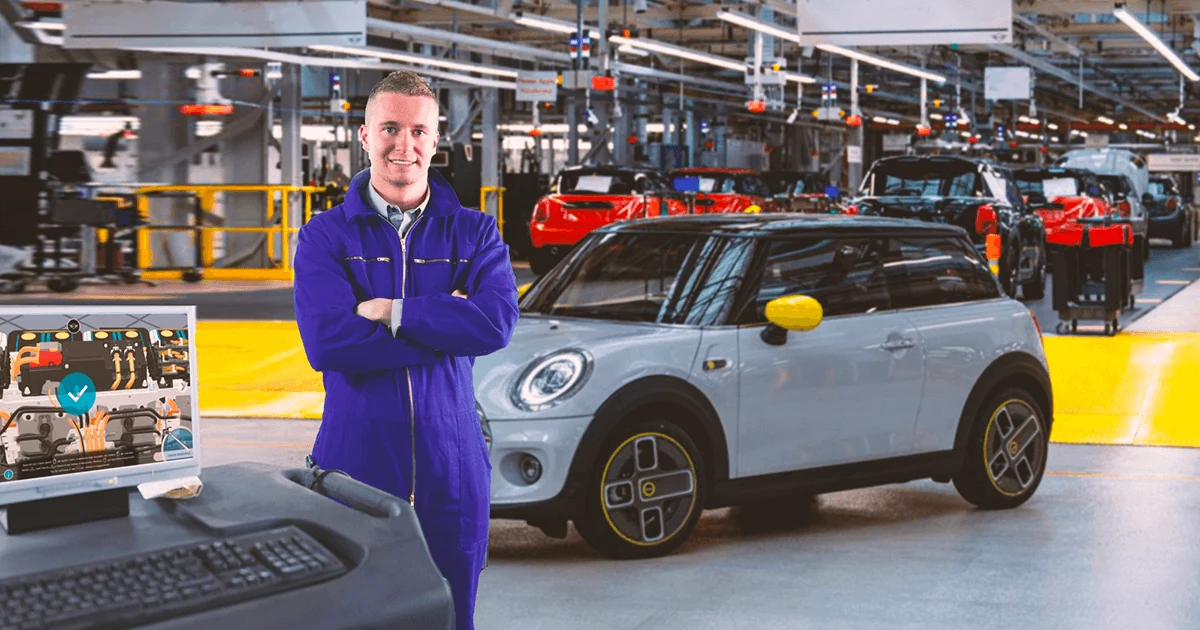
Technical skills · Learning game
A learning game about high-voltage battery maintenance, with choices and feedback. Accessible on standard computers.
Discover the project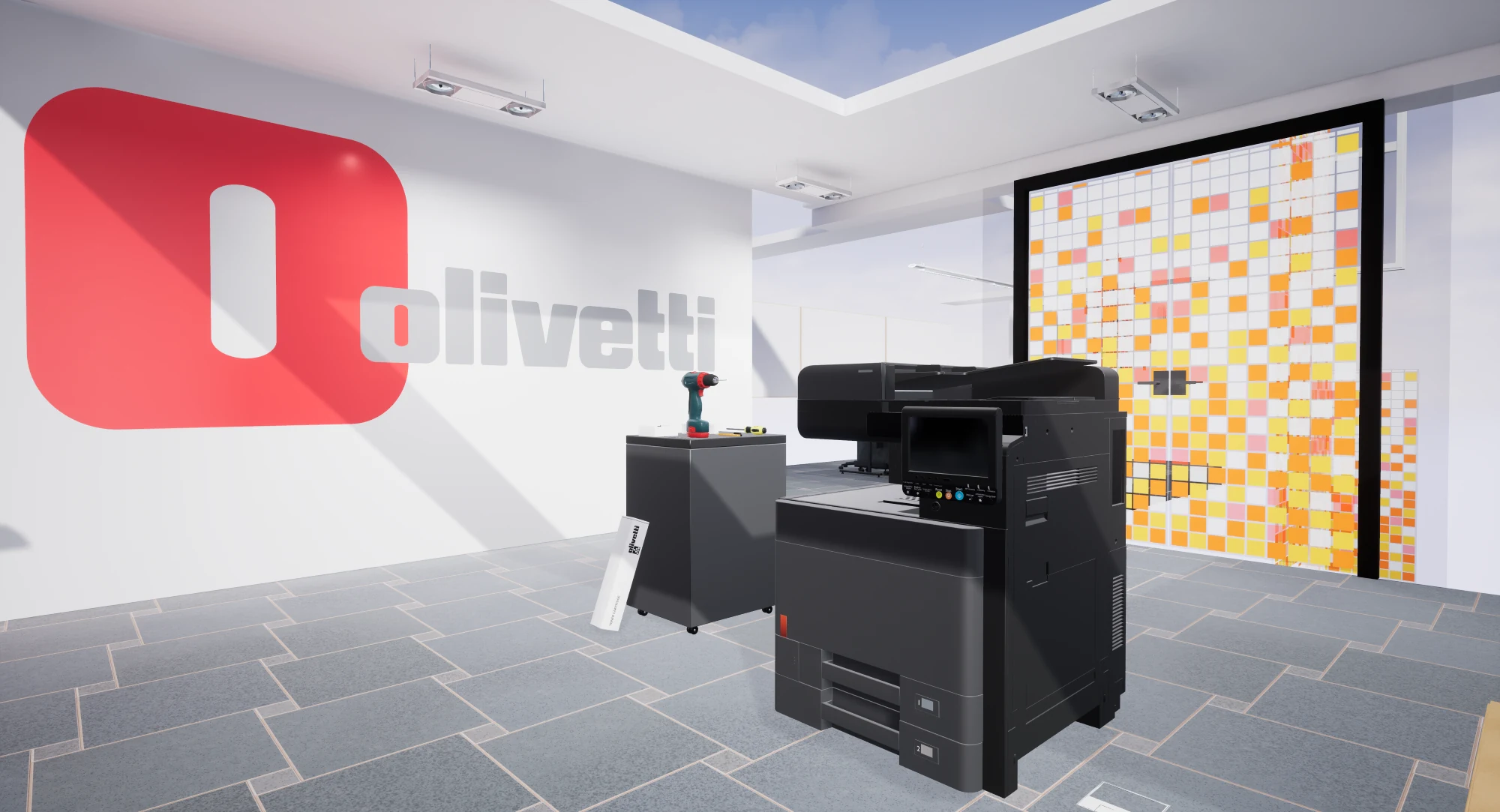
Product training · VR
A guided simulator for technicians to practise installing and maintaining multifunction printers.
Discover the project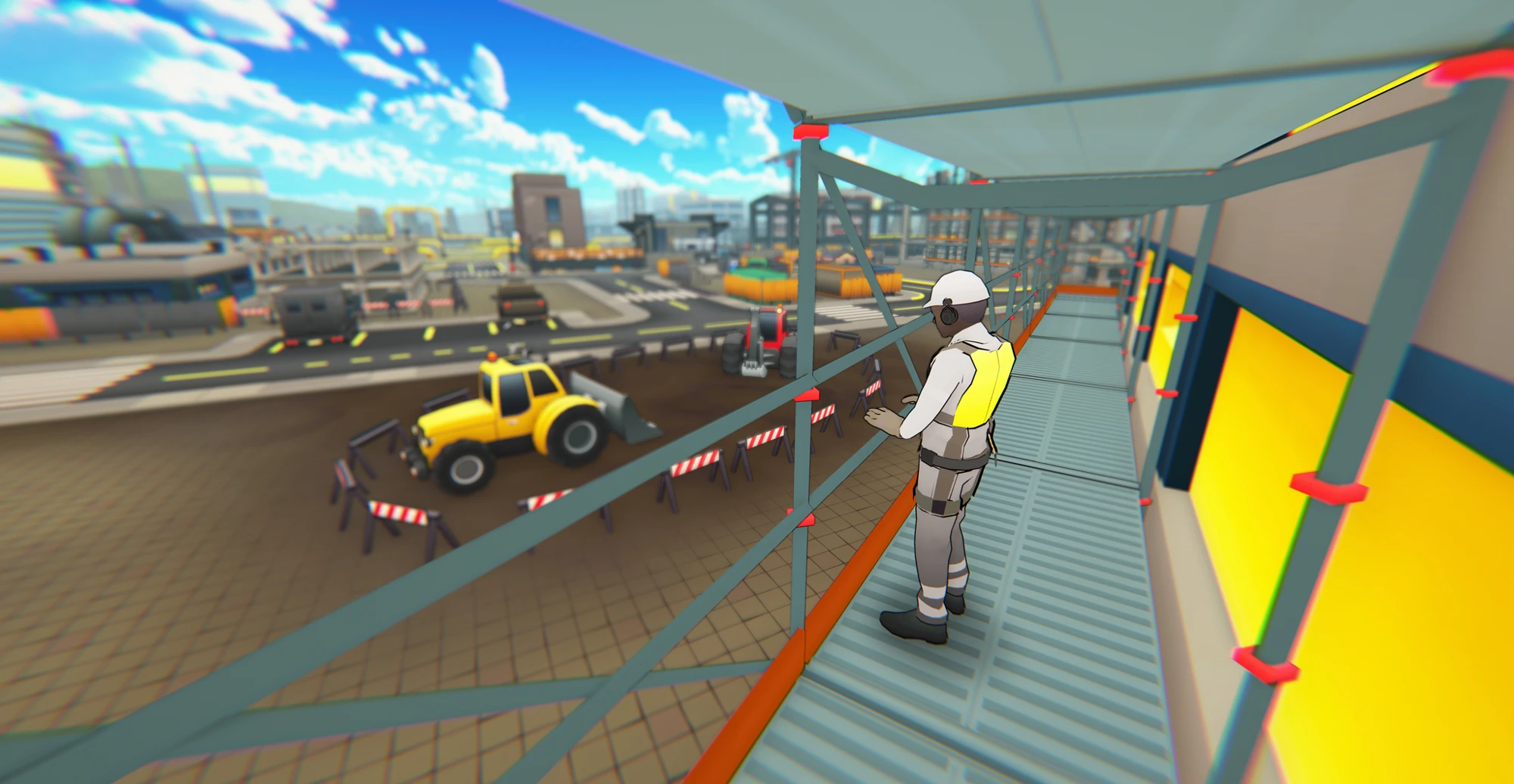
Health & safety · Learning game
HSE learning games for desktop and mobile: explore a worksite, complete tasks and try again with feedback.
Explore the projectThe right experience for your goal
The activity, audience and setting determine the format.
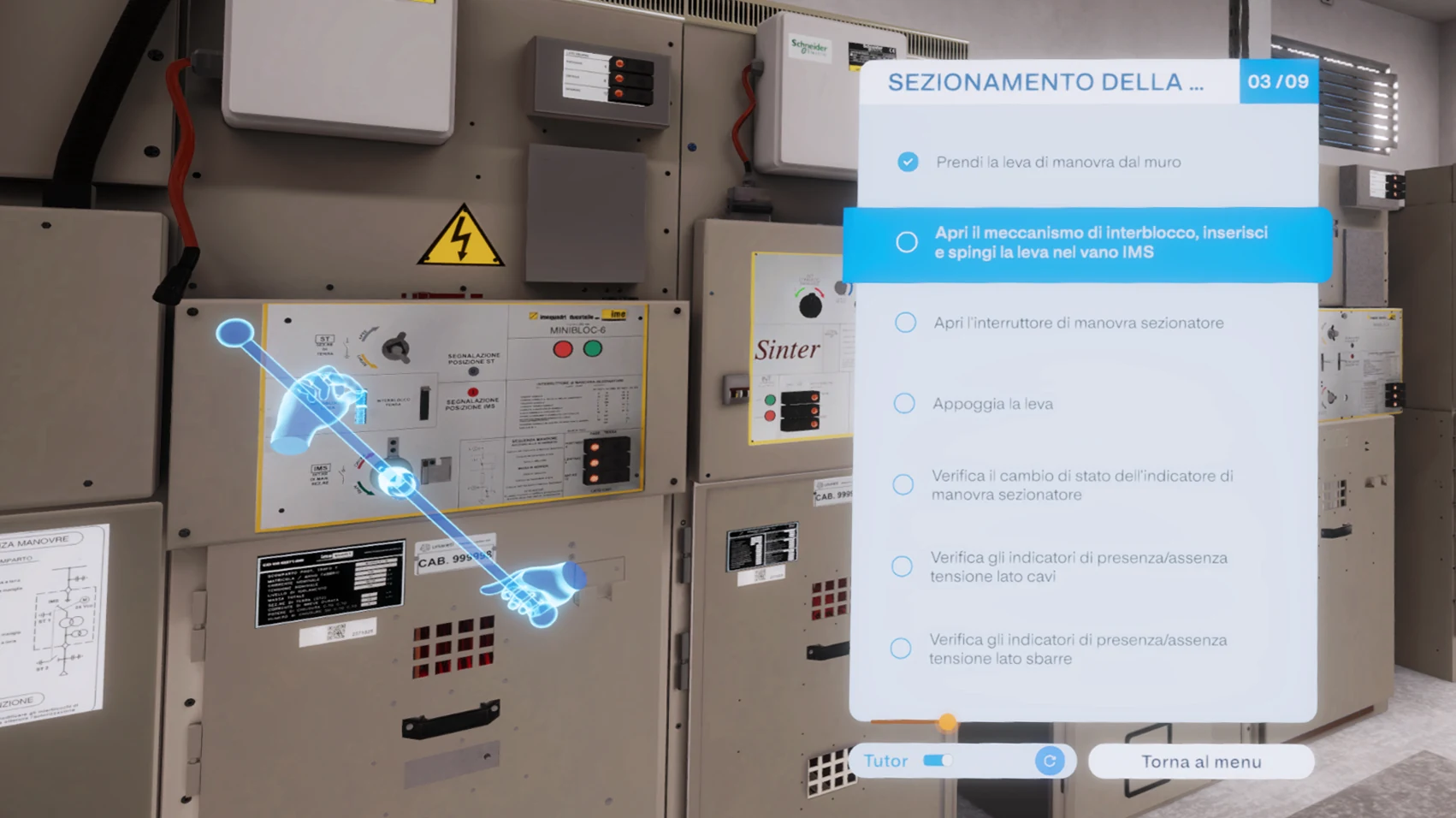
A2A / Unareti · Guided mode
Spaces, actions, procedures
We recreate environments and activities in 3D, choosing desktop, mobile or XR around the task and the people who need to practise. People interact with tools and components, follow the procedure and test their skills.
Safetyverse · Learning game HSE
Choices, challenges, feedback
Turn training topics into short missions with choices and feedback. From desktop to smartphone, people can practise and revisit a scenario between activities.
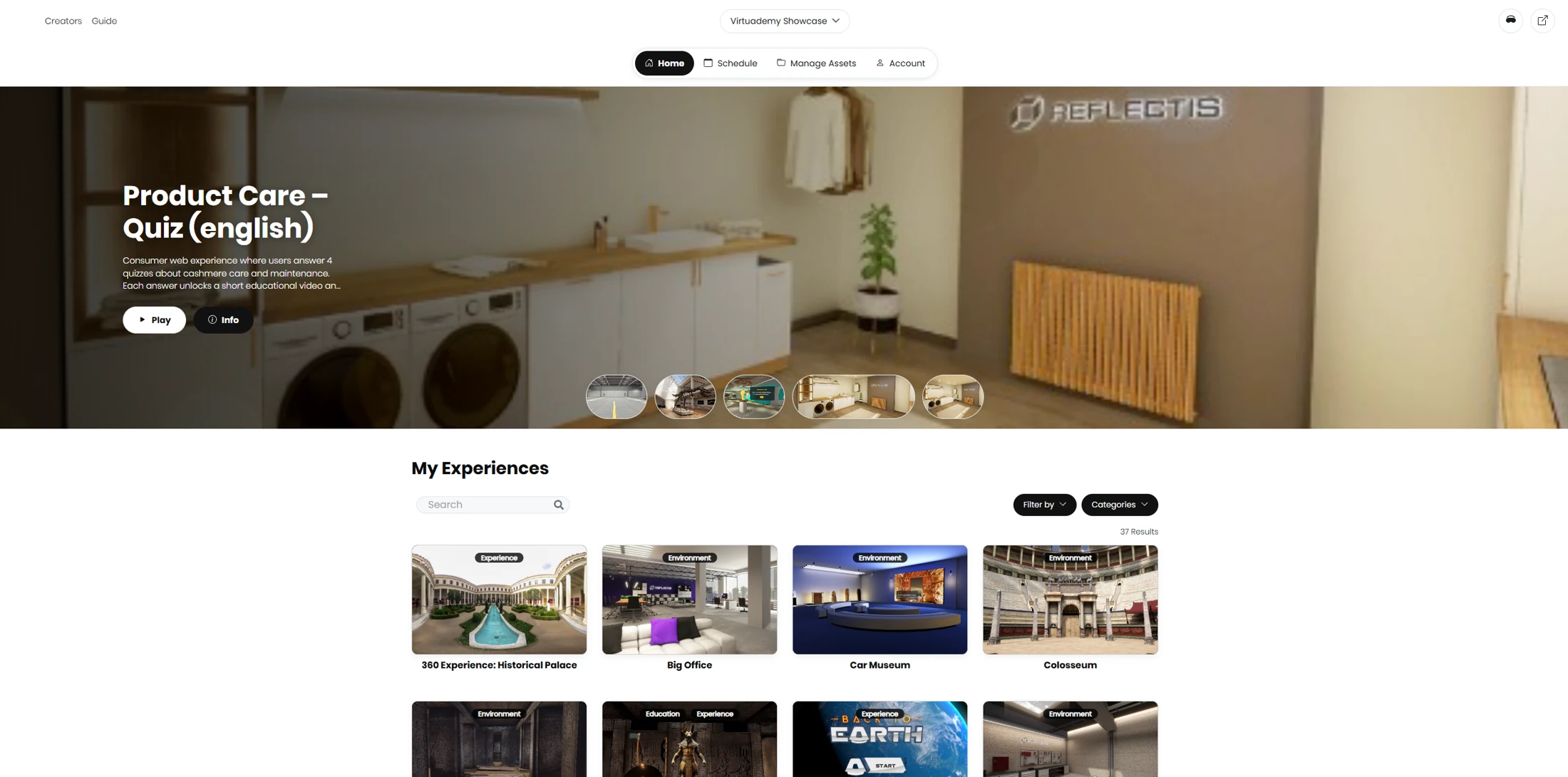
Our platform for creating and delivering learning

Virtuademy’s AI editor turns your ideas into interactive experiences with game mechanics. A creation pipeline that starts from a prompt and brings content, interactions and learning objectives together.
Refine the experience and bring it to your learners, across desktop, mobile and XR.
From expertise to experience
We bring experience design, visual design and development alongside your subject experts. One team, from the first scenario to testing with users.
Let’s define your projectWho needs to learn, which actions they need to perform and what we will observe to evaluate the project.
Scenarios, content, interactions and development, with reviews along the way to check that the project addresses the need.
User testing, experience reviews and a plan for using the solution within the training programme.
Before we begin
From the materials you start with
to evaluating the project.
No. We design XR simulations and interactive experiences for desktop, tablet and smartphone. A headset is useful when spatial interaction matters; mobile experiences make practice accessible between activities. We choose the format around the learning objective and how people will use it.
Yes. Procedures, manuals, courses and product materials are a starting point. With your subject experts, we identify what can become a practical exercise and define the scenarios, actions and feedback.
Yes. We build scenarios around your business activities. The level of detail depends on what people need to learn, the materials available and the project scope.
We agree what to observe: for example, the sequence of actions, errors or decisions made within a scenario. Practice and assessment are designed alongside the content.
Yes. Starting with a single procedure or a small group of users lets you evaluate the experience and how it will be used before considering more content or a wider audience.
The next step, together
Tell us who you need to train and what they need to be able to do.
Let’s define the first project together.